7 platforms · 31 languages · 14 days free
Your own M3U link or Xtream Codes login, with live TV, movies, series and radio. On the TV itself, or cast from your phone or PC.
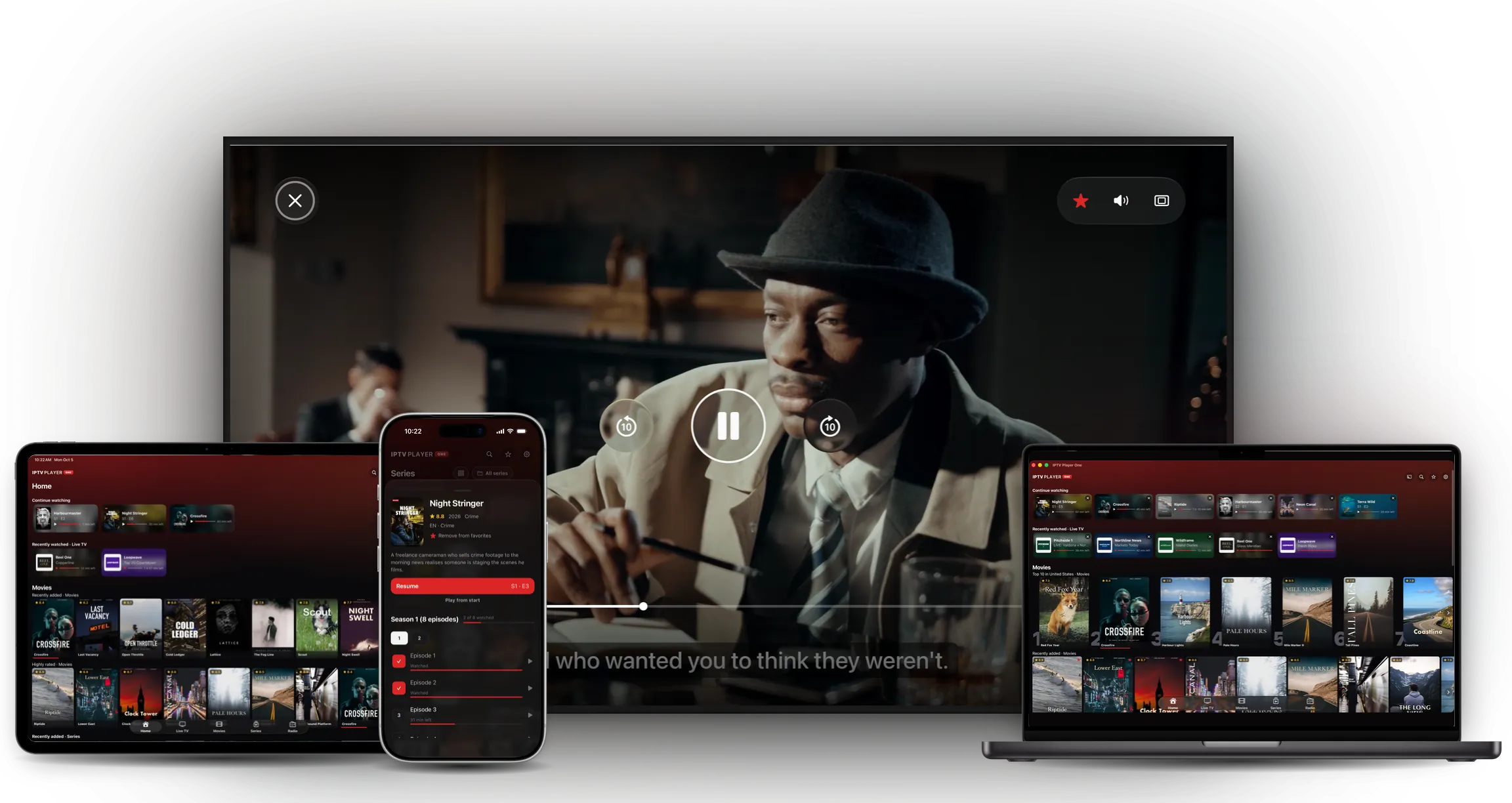
Discover IPTV Player One
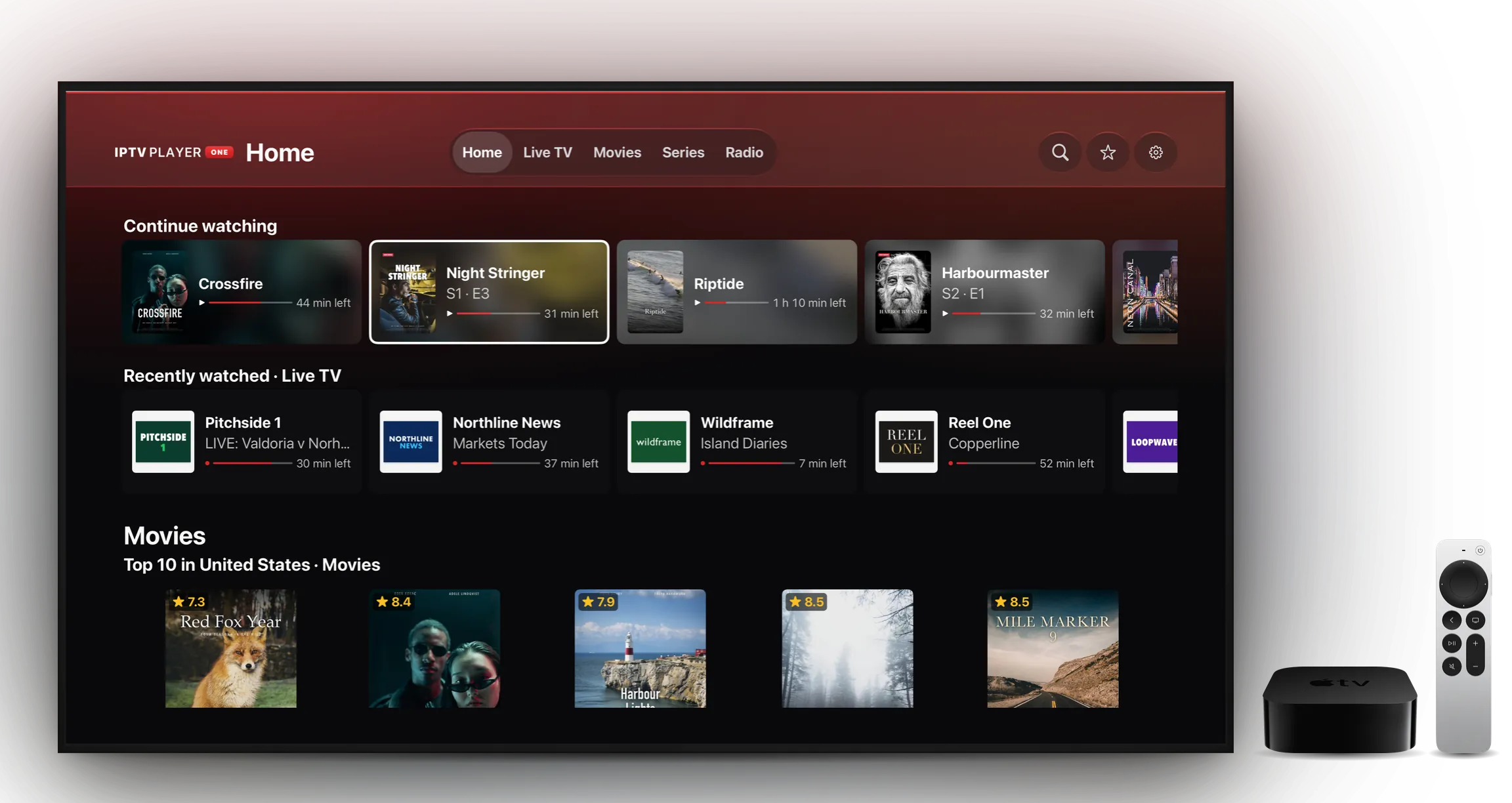
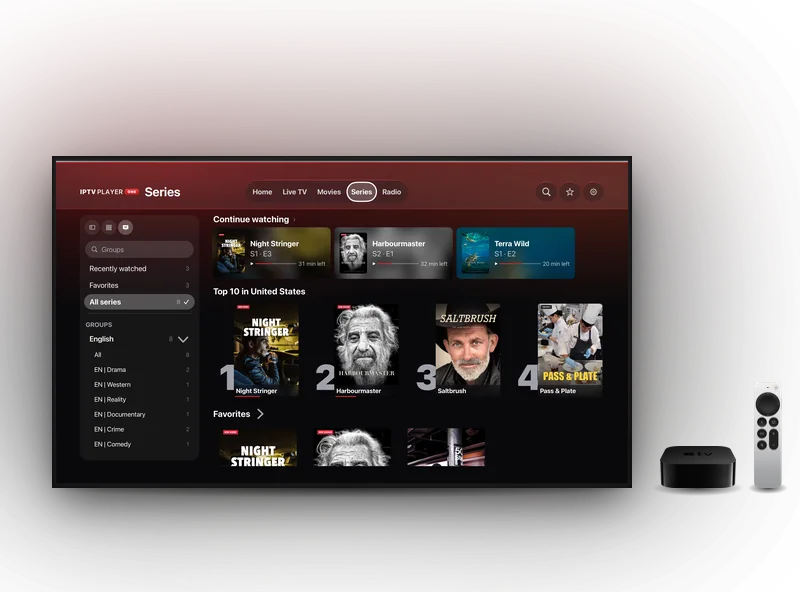
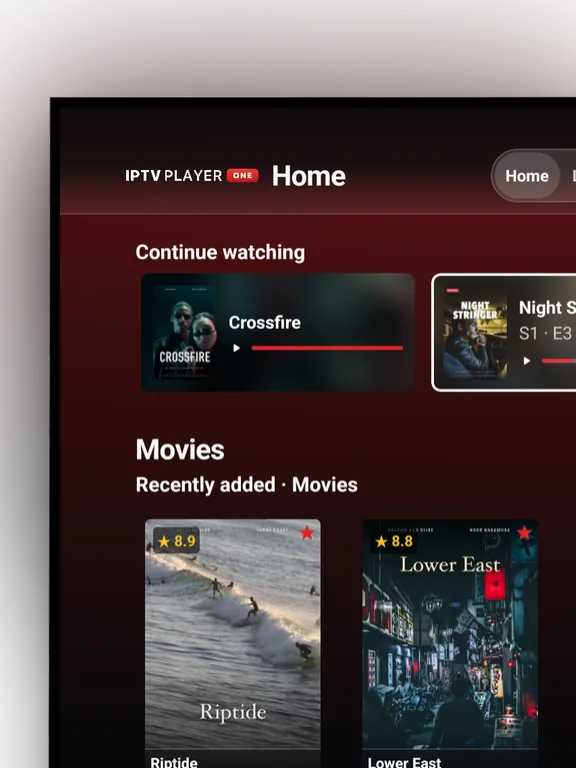
On your TV
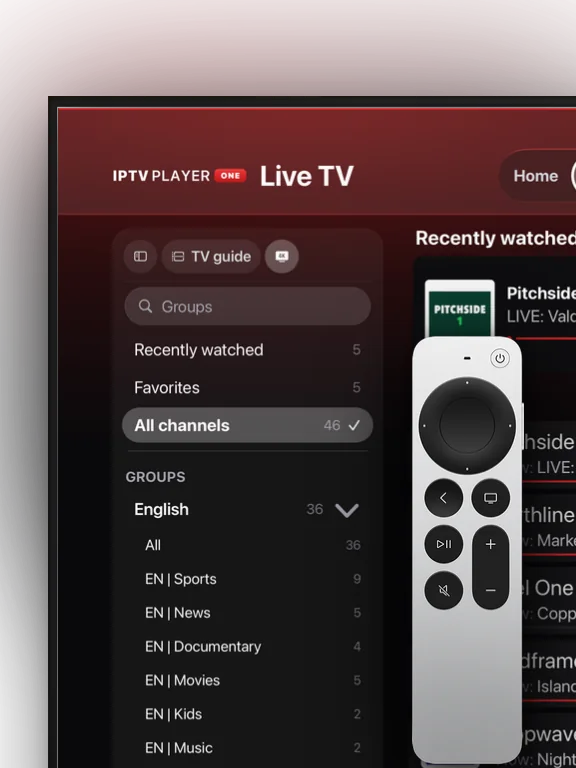
The app on the TV itself, made for the remote
More about the TV apps
Casting
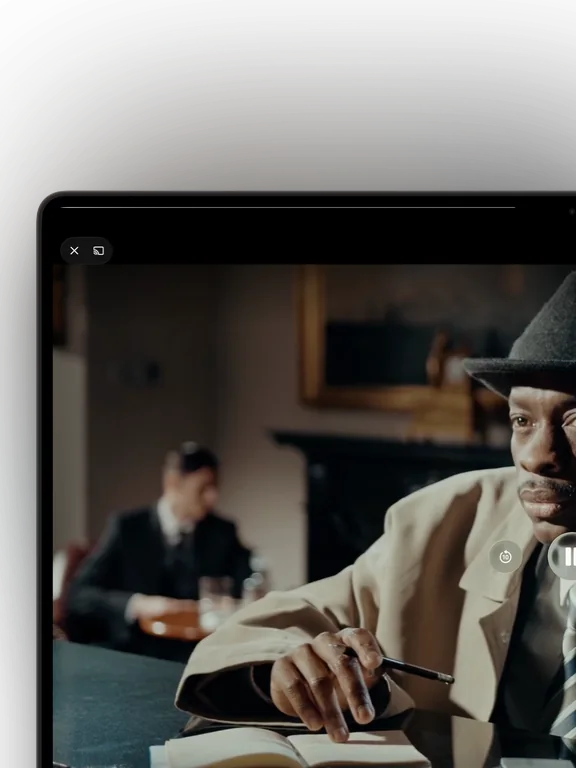
Cast to your Chromecast, with subtitles that stay in sync
More about casting

One account
Keep watching on every device

- Progress, favorites and settings travel with you
- Your playlists encrypted, and there right away when you sign in
- Pair a new device with a single QR scan
The app
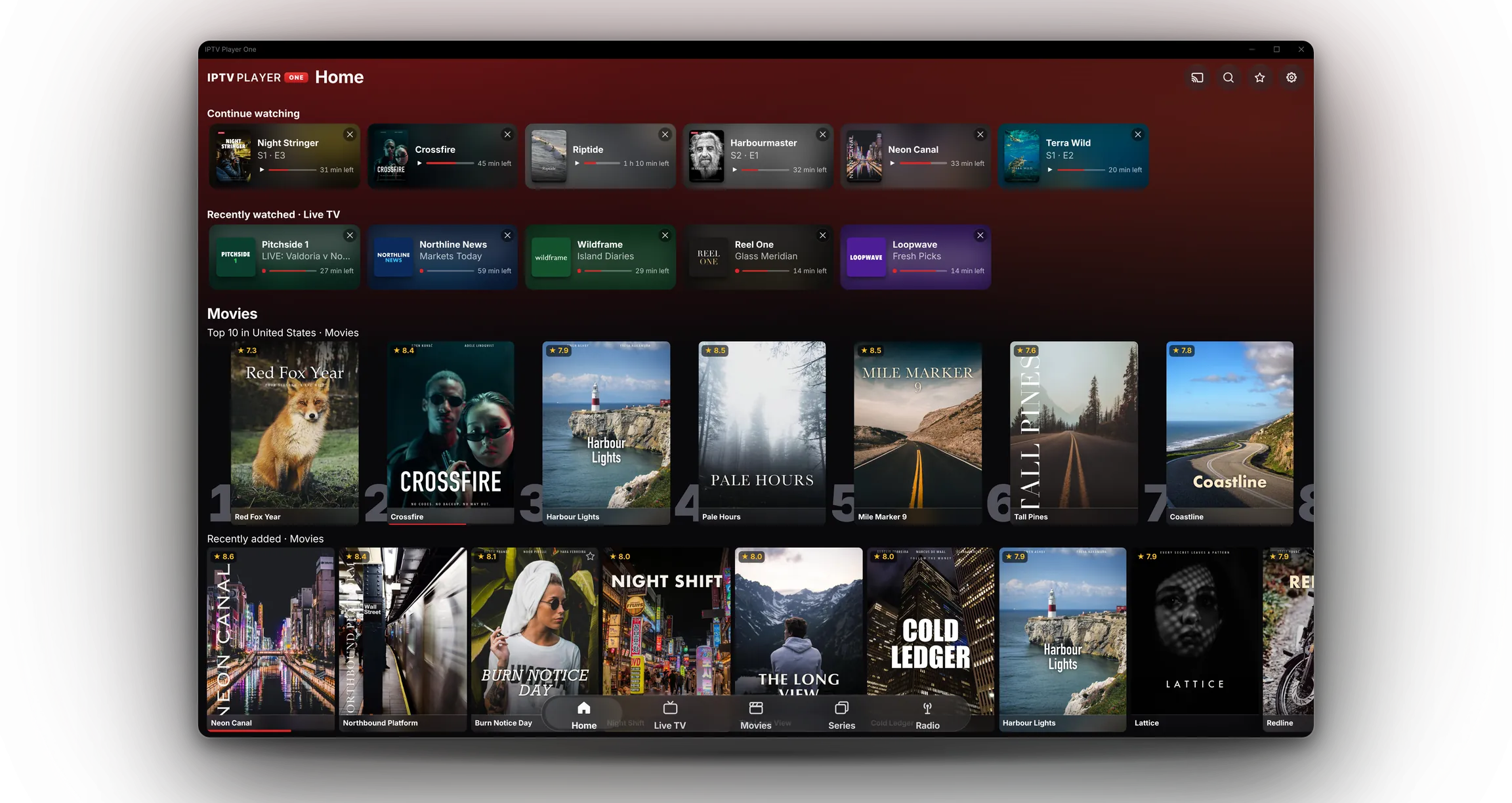
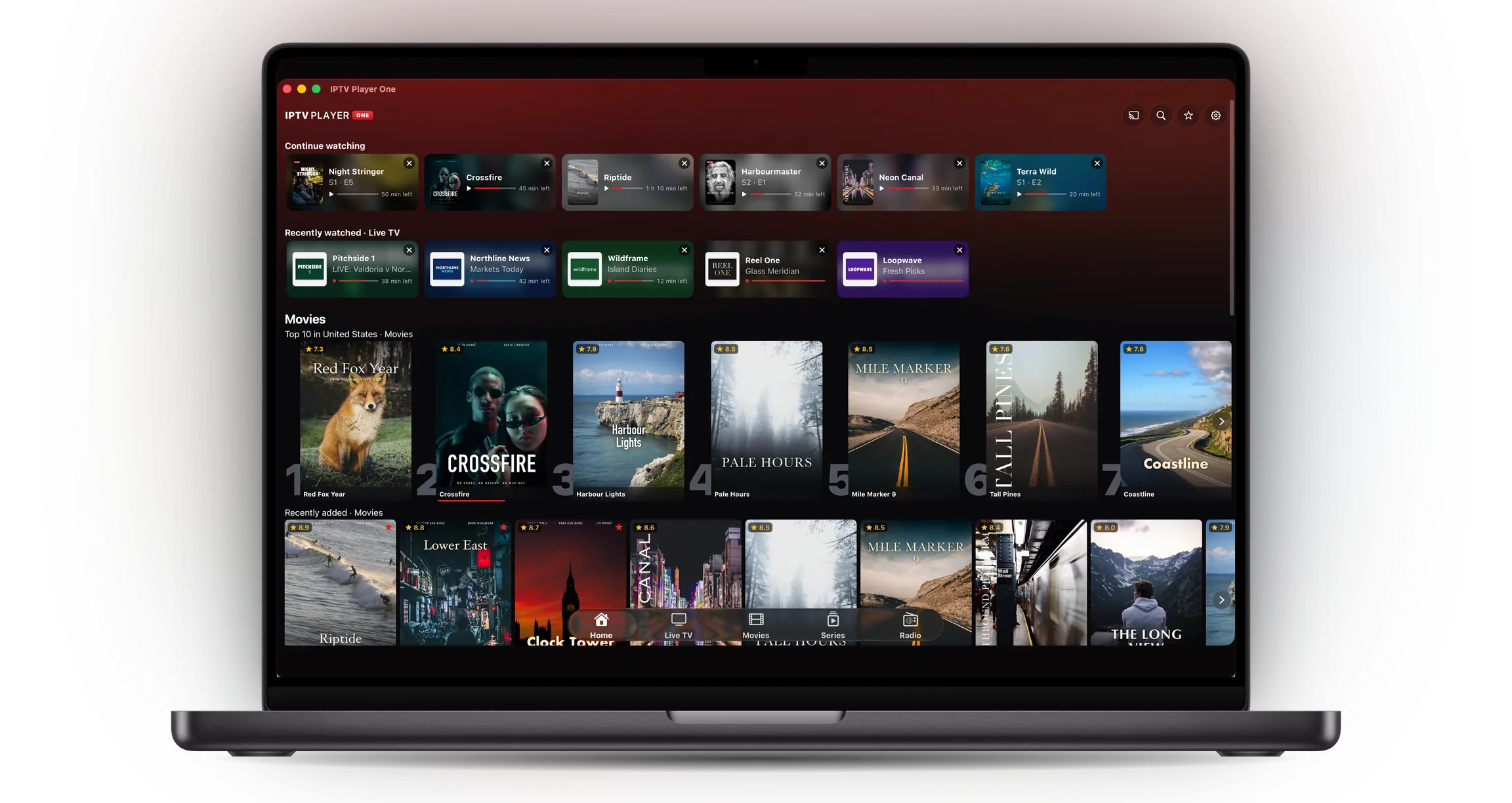
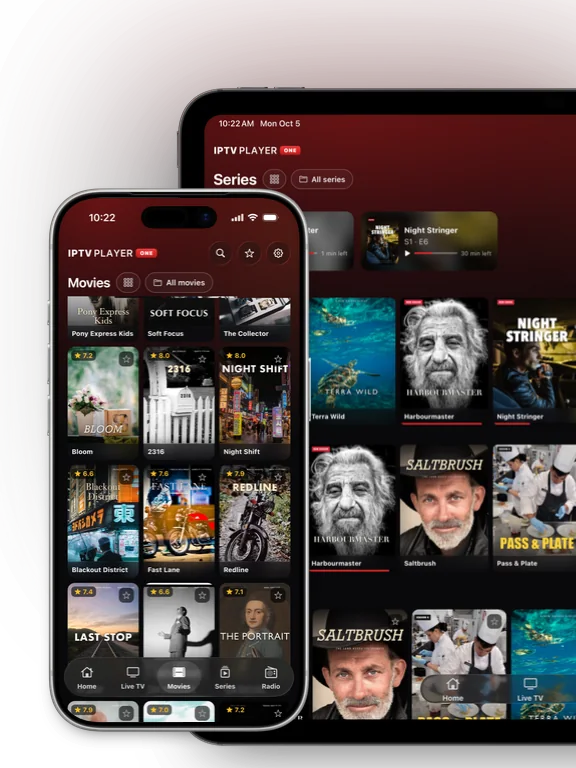
Everything in your playlist, neatly organised
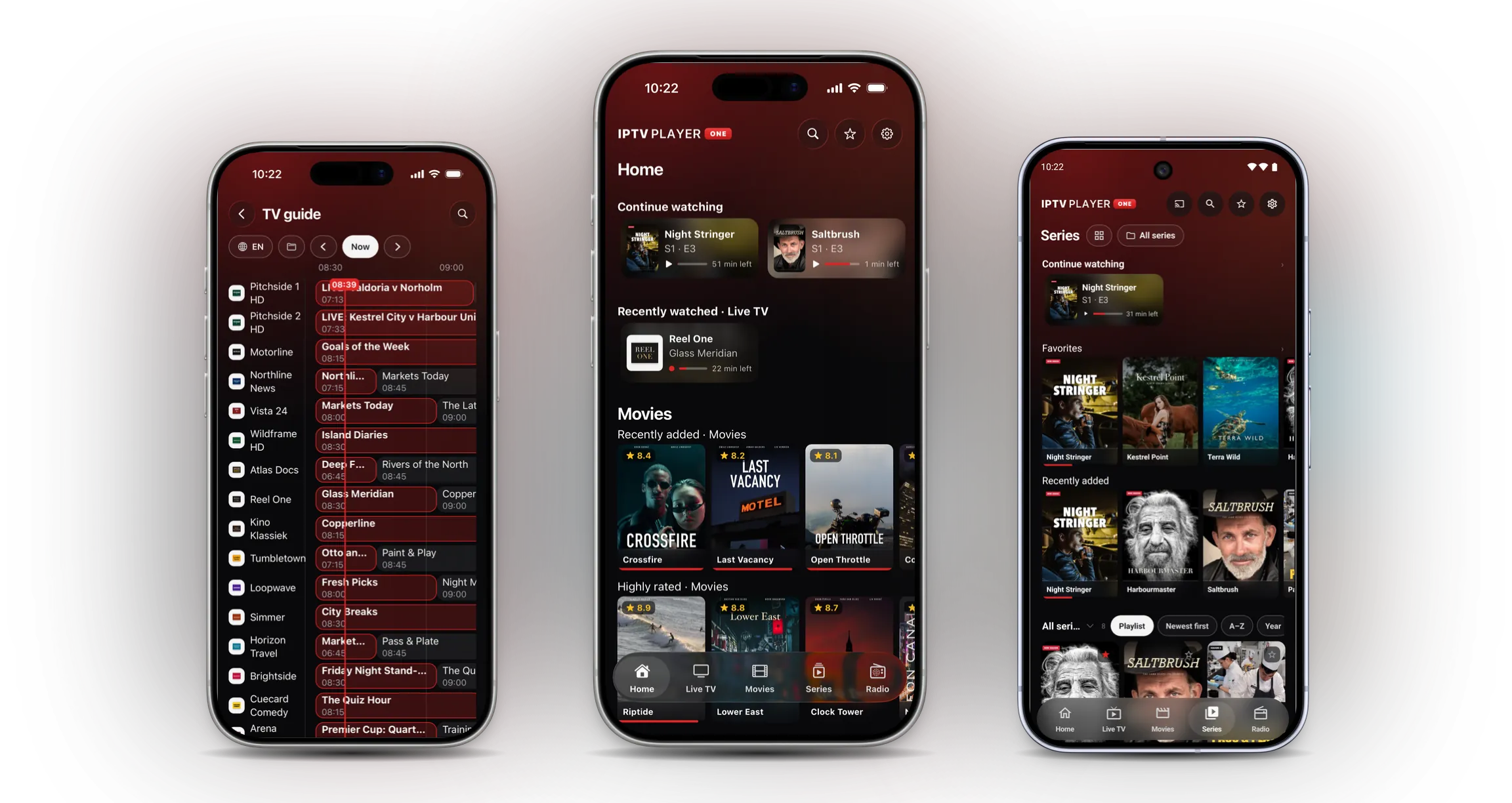
Live TV, movies, series and radio, each in its own place. With progress per title and a TV guide.
Live TV
Browse by group or country, search your whole playlist and add channels to your favorites.
Movies and series
Continue where you left off, with progress saved per movie and episode.
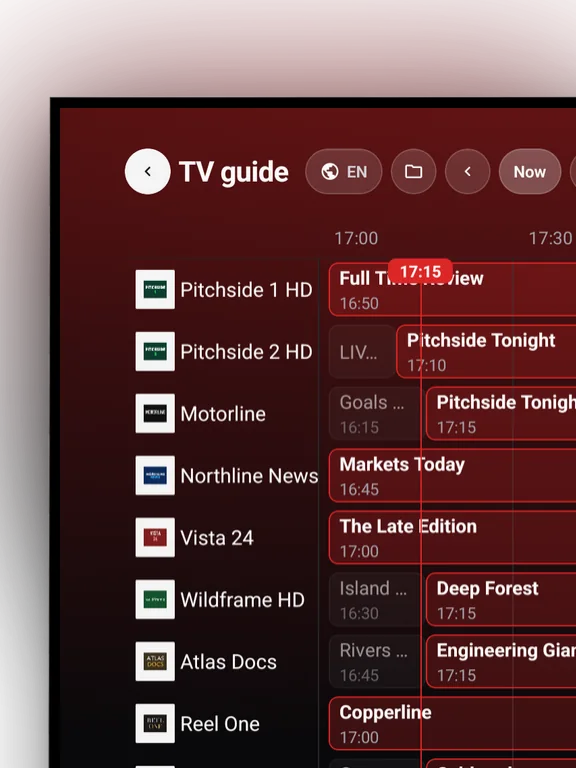
TV guide
See what is on now and next, per channel.
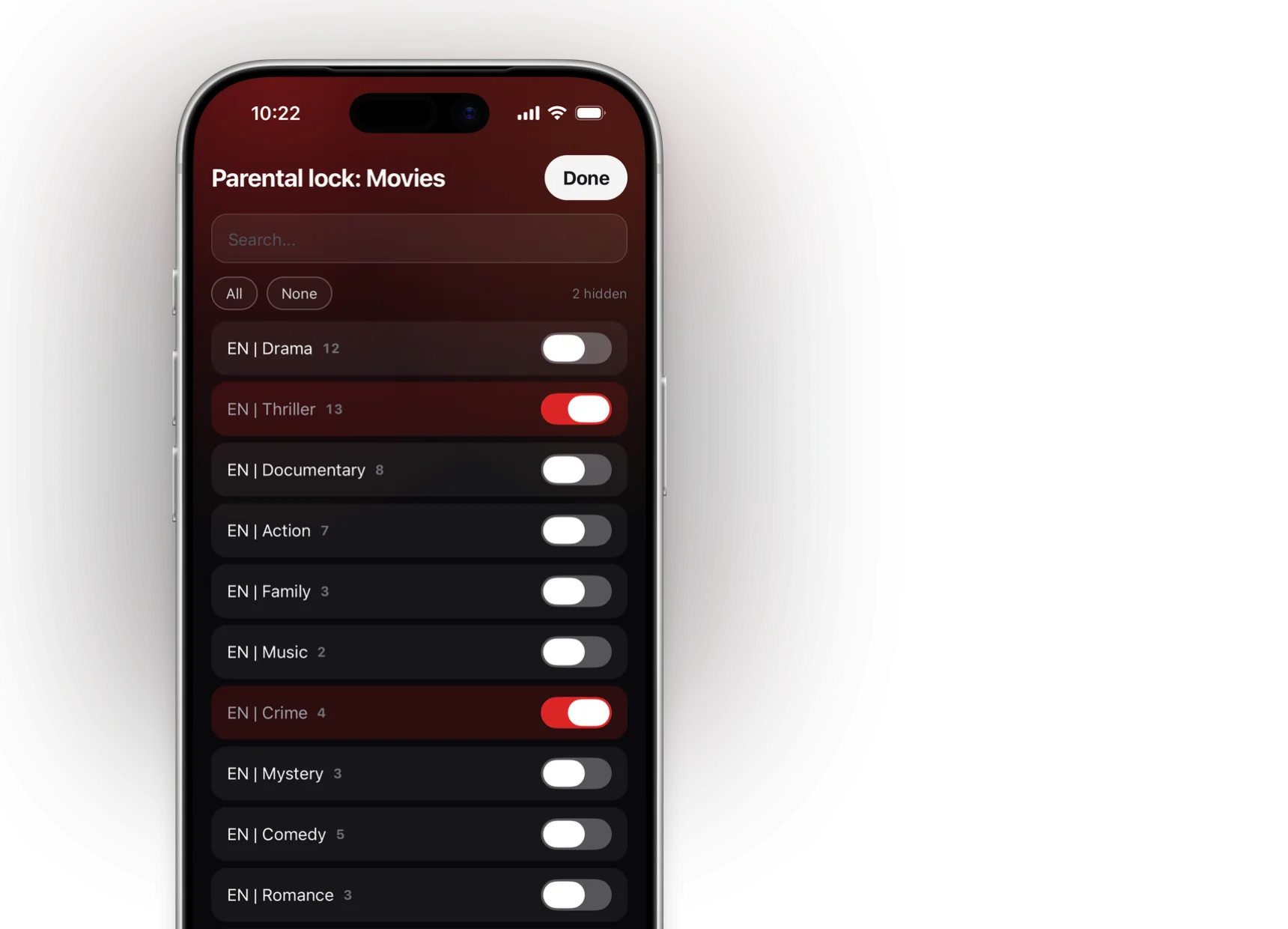
Parental lock
Lock groups with a PIN, so children only see what they may see.
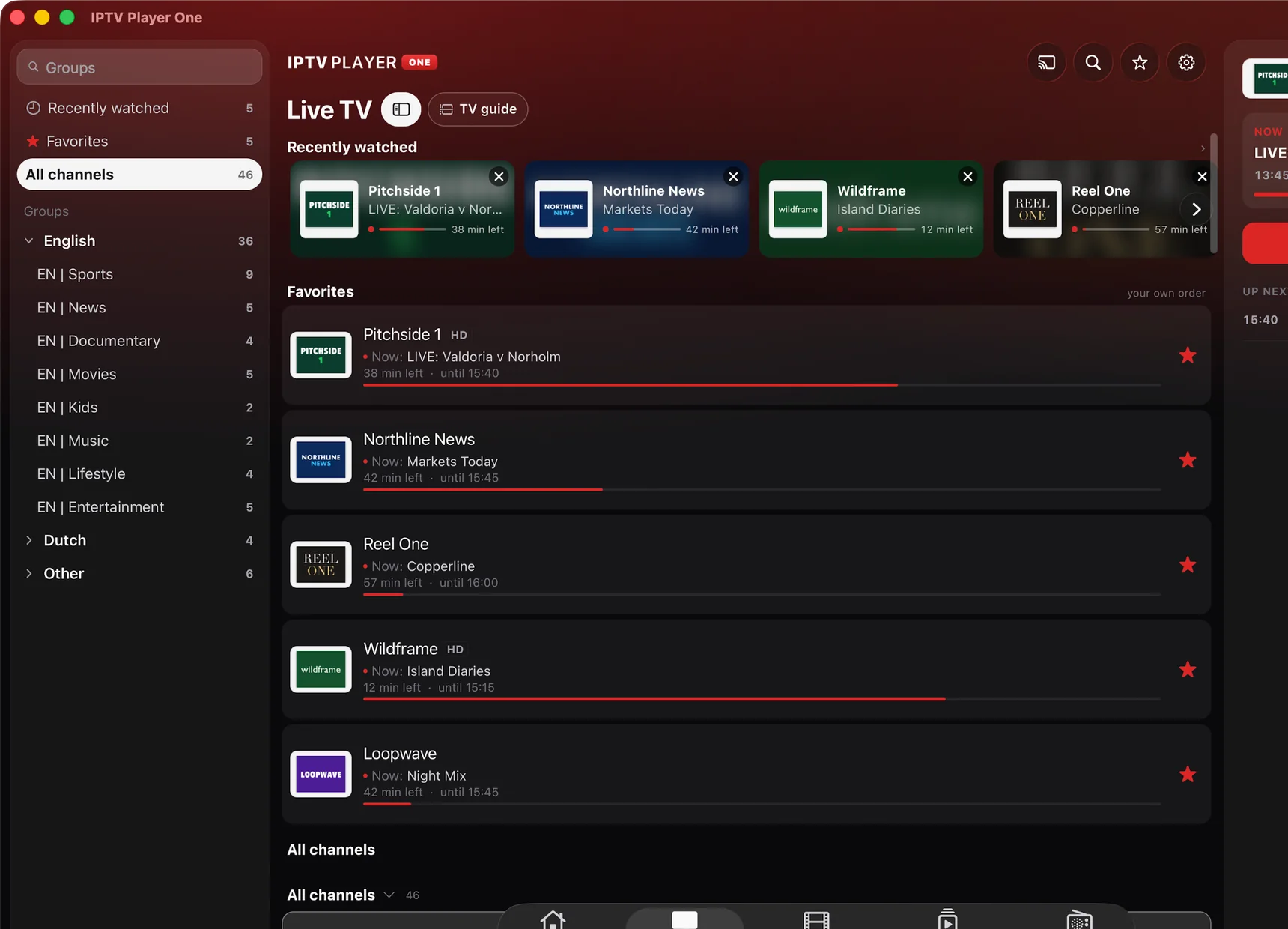
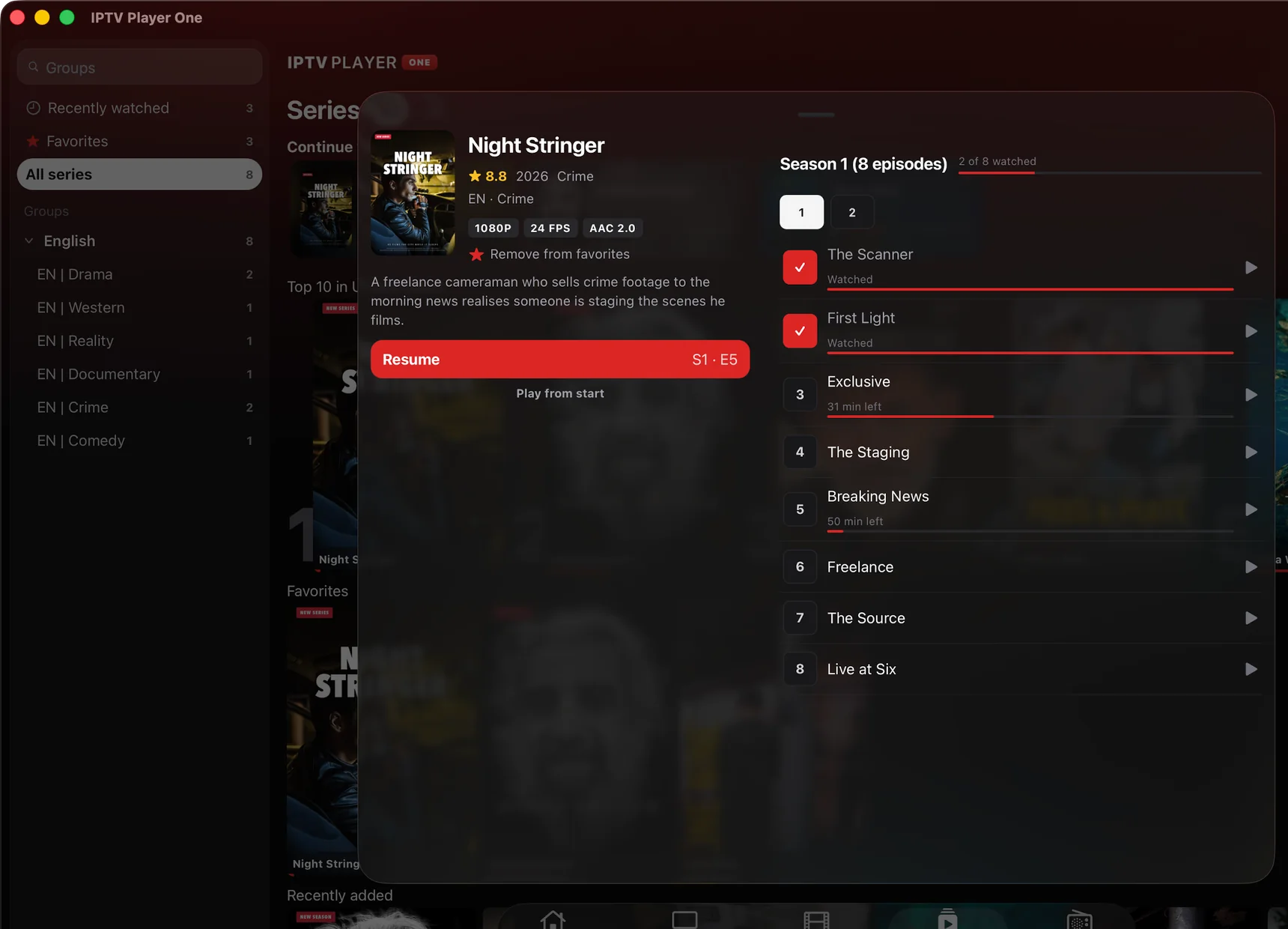
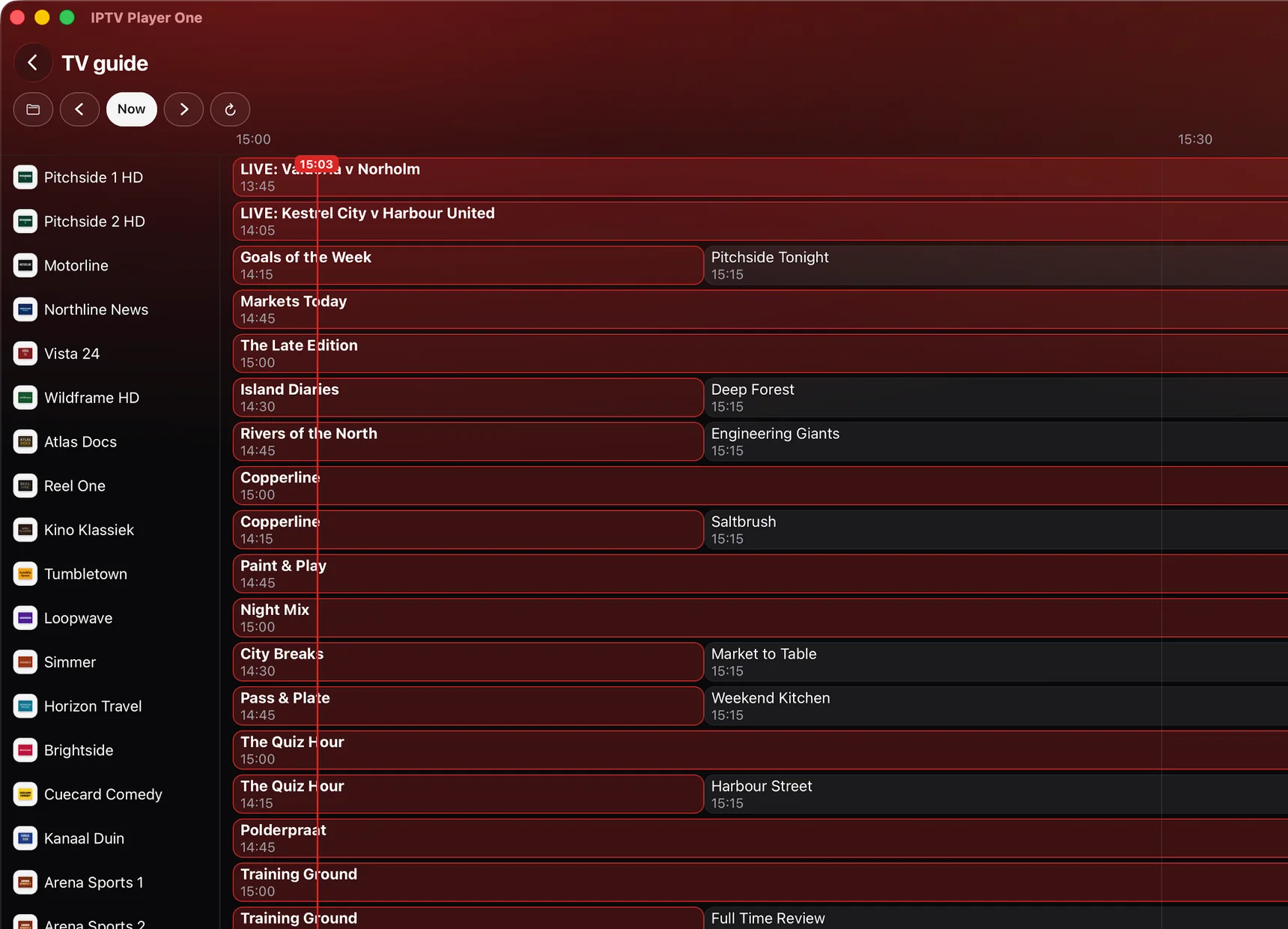
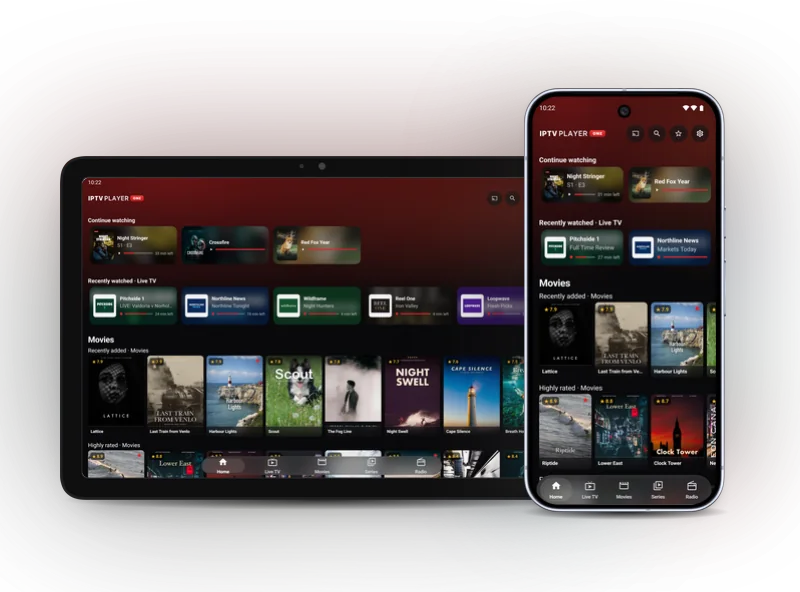
On every screen
One player. On your PC, your phone and your TV.
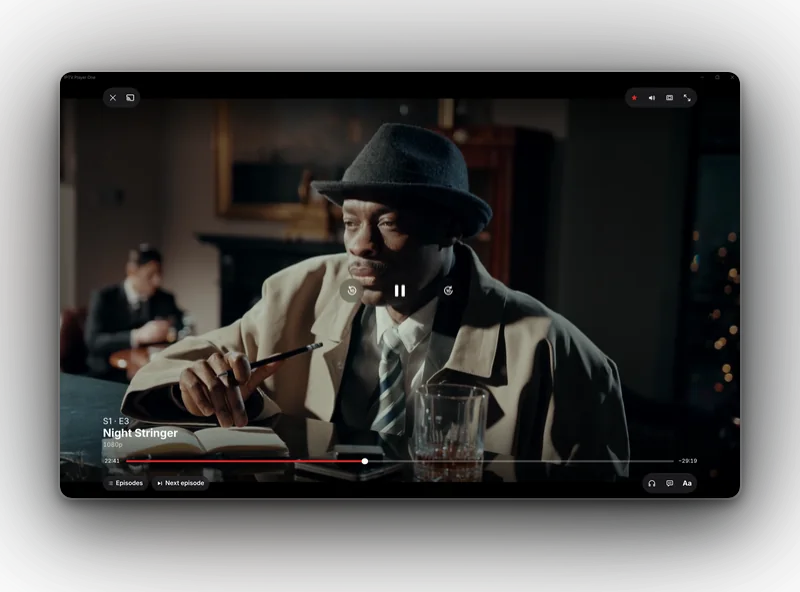
Plays what your device can't do by itself
Including .mkv, HEVC and 4K, with the subtitle and audio track you choose.
More about M3U and Xtream CodesWorks with your own playlist
An M3U link or an Xtream Codes login. Stalker and MAC portals are not supported.
Questions? We'll help you along.
Step-by-step guides, answers per platform, and support by email.
- All guides Install, cast, fix problems
- FAQ Per platform and about pricing
- Contact support@iptvplayerone.com
What does IPTV Player One actually do?
IPTV Player One is an IPTV player for Windows 10 and 11 (64-bit), Mac, Android, Apple TV, iPhone, iPad, Android TV, Google TV and Fire TV. You bring your own M3U link or Xtream Codes login; the app contains no channels or content of its own.
Is there an app for Apple TV?
Yes. IPTV Player One is in the App Store on Apple TV, for Apple TV HD and Apple TV 4K running tvOS 16.4 or newer. Your plan works on your Apple TV and on any other platform: 2 devices with Starter, 8 with Pro. Details on the Apple TV page.
Does it run on Android TV or Google TV?
Yes. The Google Play app also runs on Android TV and Google TV, with a layout made for the remote. It is the same app and the same listing as on your phone, and your plan covers your phone and your TV together: 2 devices with Starter, 8 with Pro. Details on the Android TV page.
What does IPTV Player One cost after the trial?
Starter $5.99 a year for 2 devices, Pro $19.99 a year or $49.99 lifetime for 8, wherever you get it. From us on Windows and Fire TV it is one payment, with 14 days money back. In the App Store (iPhone, iPad, Mac and Apple TV) and on Google Play (Android, Android TV and Google TV) the yearly plans renew until you cancel, and Apple or Google handle their own refunds. The stores charge in your own currency.
Does casting work with my Chromecast?
Yes. From Windows, Android, the Mac app and the iPhone and iPad app you cast to a Chromecast, Google TV or Android TV on the same Wi-Fi network, you pick the subtitle and audio track on the cast, and subtitles stay in sync. On Apple TV, Android TV, Google TV and Fire TV you do not cast at all: there the app runs on the television itself.
Try it free for 14 days. No sign-up, no payment details.
Then from $5.99 a year
Starter for 2 devices, sync included. Pay once with us on Windows and Fire TV, or through the App Store or Google Play.
Pro for up to 8 devices: $19.99 a year or $49.99 once.
See pricing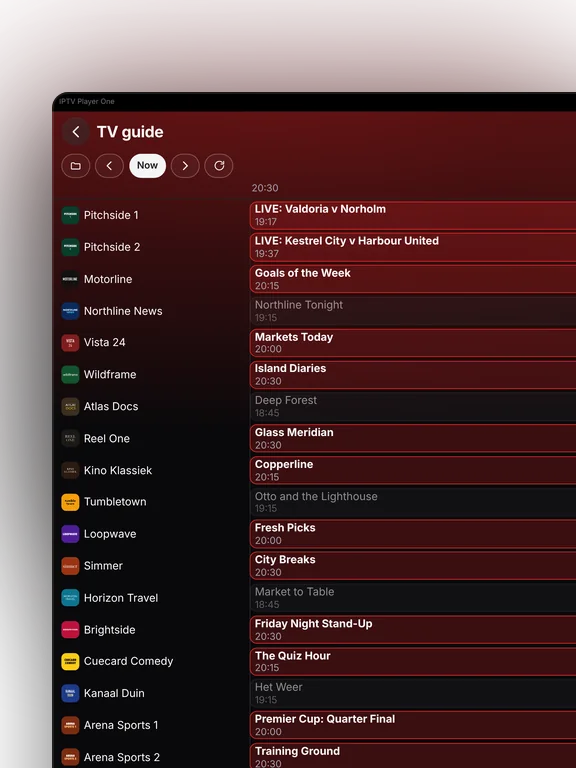
More about IPTV Player One
On the TV itself, or cast to it
IPTV Player One runs on Apple TV, Android TV, Google TV and Fire TV, so on those you open the app on the television, add your playlist and watch. Everything is reachable from the remote, including the TV guide, favorites and the parental lock.
No app for your television? Then cast to a Chromecast, a Google TV or an Android TV on the same Wi-Fi network, from Windows, the Mac app, an Android phone or tablet, or an iPhone or iPad. You choose the subtitle and audio track for the cast right from the app, and subtitles stay in sync for the whole stream.
Want the details? Read the Chromecast IPTV player with subtitles in sync page, or follow the step-by-step guide on how to cast IPTV to Chromecast. For the television apps, read IPTV player for Apple TV, IPTV player for Android TV and Google TV or IPTV player for Fire TV.
Works on
IPTV Player One runs on Windows 10 and 11, 64-bit, on Mac from the Mac App Store (macOS 13.3 or newer, Apple Silicon and Intel), on Apple TV from the App Store (tvOS 16.4 or newer, Apple TV HD and Apple TV 4K), and on Android, Android TV and Google TV from Google Play, one app for phone, tablet and television. The iPhone and iPad app comes from that same App Store listing, and your plan works across all of them. On Fire TV with Fire OS 6 or newer it comes from our site, installed with the Downloader app. The download page lists every route.
Roku, Samsung Tizen and LG webOS are not supported.
Updates arrive by themselves. On Windows new versions download quietly in the background and install when you close the app, on Fire TV the app installs a new version with one press, and on Mac, iPhone, iPad, Apple TV, Android and Android TV the store takes care of them.